

TiviMate Setup 2026 — Complete Guide for Android & Firestick
TiviMate Setup 2026 — Complete Guide for Android & Firestick
How to set up TiviMate with LoadIPTV in 5 minutes: playlist, Xtream Codes, and EPG configuration. 24,000+ channels in 4K from $16/mo.
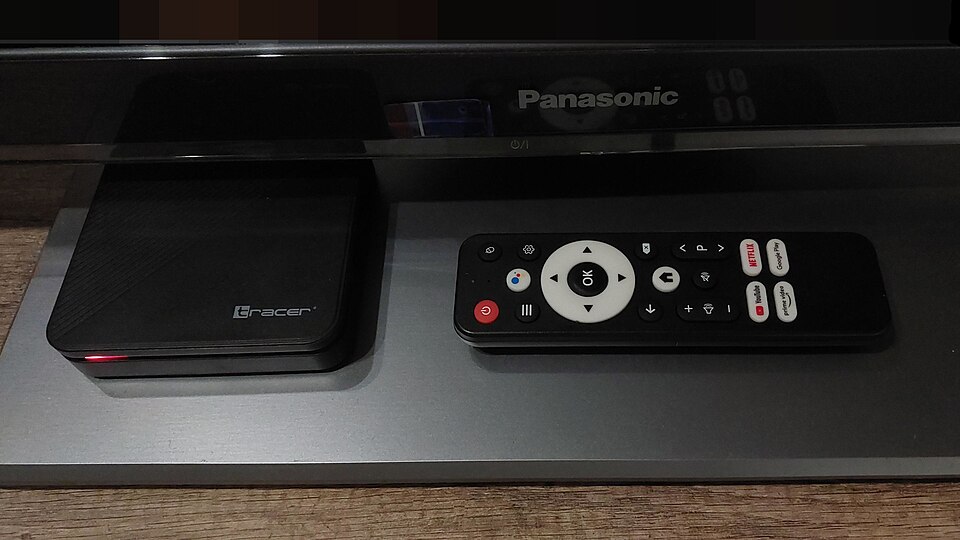
TiviMate is the best IPTV player for Android TV and installing IPTV on Firestick in 2026. This guide shows how to set it up with LoadIPTV in under 5 minutes.
Download TiviMate 2026
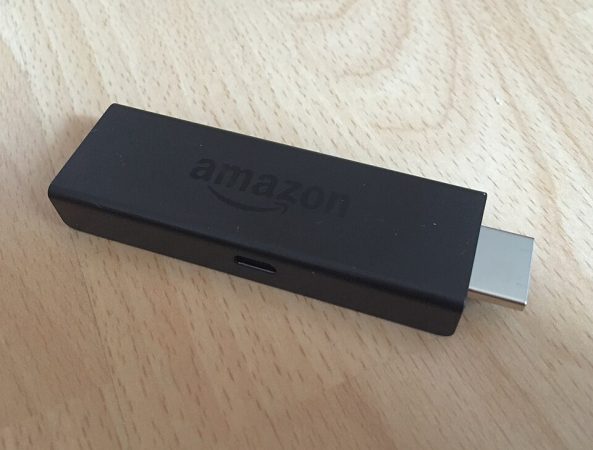
- Firestick: Amazon App Store → search TiviMate → Install
- Android TV: Google Play → search TiviMate → Install
- TiviMate Premium: $4.99/year via Play Store in-app purchase — adds multi-playlist support, catch-up TV, and parental controls
How to Add LoadIPTV to TiviMate
- Open TiviMate → tap the gear icon (Settings)
- Go to Playlists → Add Playlist
- Choose M3U playlist or Xtream Codes
- Enter your LoadIPTV M3U URL or Xtream Codes server/username/password
- Name your playlist (e.g. LoadIPTV) and tap Add
- Wait for channels to load (30-60 seconds) — enjoy 24,000+ channels and 120,000+ VODs in 4 000
How to Enable EPG in TiviMate
- Go to Settings, then EPG
- Add your LoadIPTV XMLTV EPG URL (included in your welcome email)
- Set the EPG update frequency to every 12 hours
TiviMate Tips for Best IPTV Experience 2026
- Enable EPG (Electronic Program Guide) for TV schedule
- Use Catch-Up TV to watch missed programs (Premium feature)
- Create Favorites for your top channels
- Set buffer size to 10 seconds for stable 4K streaming
Get LoadIPTV credentials from $16/month ou try free 24 hours.
Frequently Asked Questions
Is TiviMate free?
The base version is free. TiviMate Premium costs $4.99/year and adds multi-playlist support, catch-up TV, and parental controls.
Does TiviMate work with LoadIPTV?
Yes. TiviMate supports both M3U and Xtream Codes, so it works fully with LoadIPTV using either connection method.
What is the difference between TiviMate and IPTV Smarters Pro?
TiviMate offers a more polished interface and faster channel switching but is Android/Firestick only, while IPTV Smarters Pro is free on all platforms including iOS. See our full comparison.
Related Guides
Prêt à commencer le streaming ?
LoadIPTV includes 24,000+ live channels, 120,000+ VOD titles, 4K quality and 24/7 support on every plan. Try it free for 24 hours (no credit card) or see plans from $16/month — backed by a 7-day money-back guarantee.

Written by
The LoadIPTV Editorial Team writes and maintains our setup guides, comparisons, and country-specific channel guides. We test configurations ourselves before publishing and update articles when devices, apps, or pricing change. We do not claim formal lab-testing infrastructure – our guides are based on direct hands-on use of the service and publicly verifiable information about devices and apps.
282 guides published on LoadIPTV · Our editorial methodology
🔍 Focus keyword: tivimate setup 2026
🌟 Start Streaming with LoadIPTV
Get access to 24,000+ live channels and 120,000+ VODs in 4K from just $16/month.
2 thoughts on “TiviMate Setup 2026 — Complete Guide for Android & Firestick”